Card values, where you buy
You're looking at a listing. The extension identifies the card, shows its market value, compares it with other marketplaces, and tells you whether a partner shop has it on display — and how far it is from you.
Every Vault-Orb plan, the free one included, comes with a monthly number of image analyses. Connect your account after installing it.
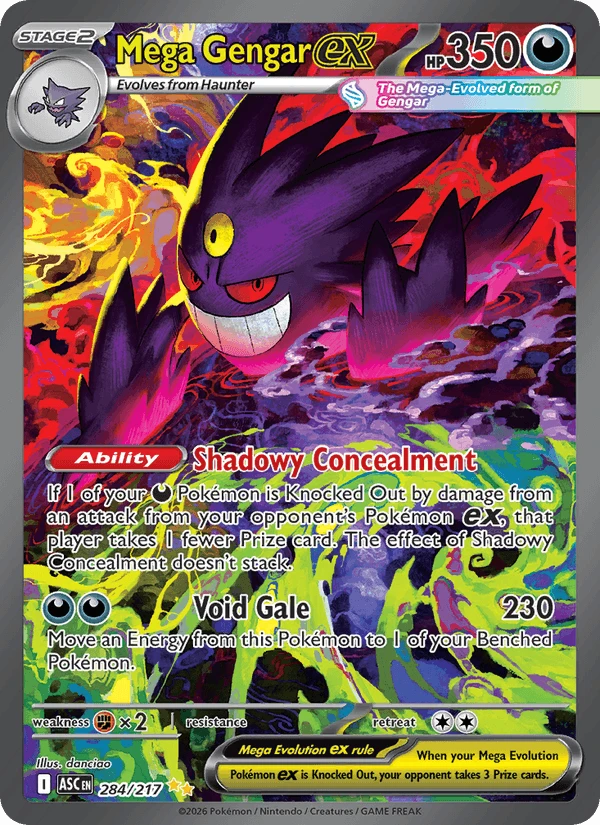
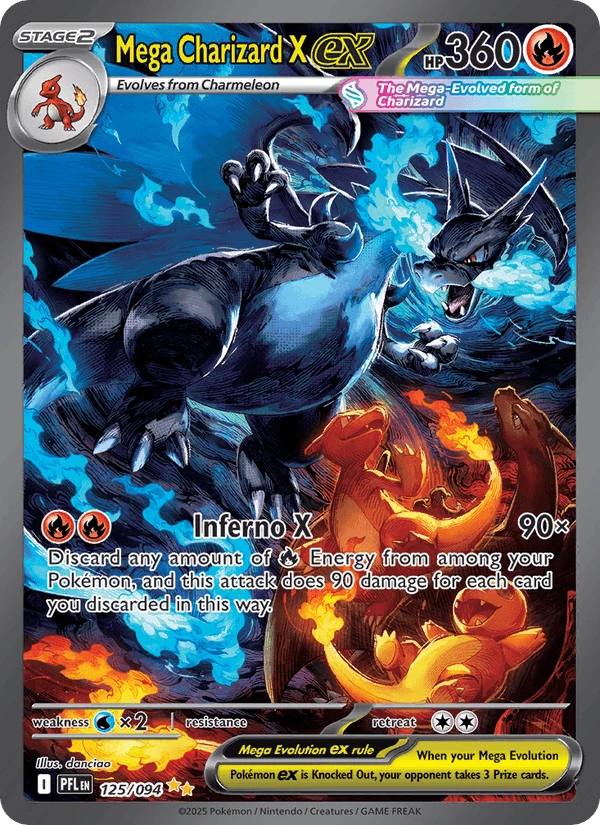
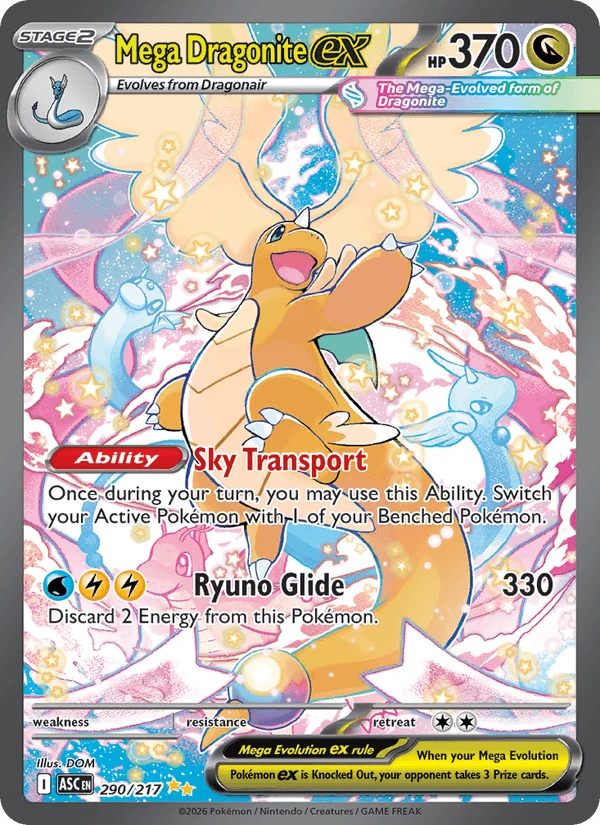
Four things, on the page you already have open
-
1
It reads the card by itself
On a listing, the extension identifies the card from its title: game, name, number, language, and the grade if it is graded. When the title is not enough, a right-click on the image runs visual recognition.
-
2
It shows the market value
The Vault-Orb value combines several marketplaces (the Orb index); failing that, it is the median of the last 14 days, and the panel says so. Cardmarket, eBay and Vinted readings are each shown under their own name.
-
3
It compares what you see
The listing price against the market value, and against readings from other marketplaces. You know at a glance whether the deal is one.
-
4
It files the card for you
One button adds it to your portfolio. If you are a professional, your inventory opens instead, with the purchase price to fill in.
On the marketplaces you already use
On Vinted and eBay, the open listing is identified without you doing anything; during a Whatnot or eBay Live stream, so is the item on show. Cardmarket offers are used for comparison. Elsewhere, right-clicking an image is enough: a forum, a group, an image search result.
The shop nearby may have it in stock
While you look at a listing, the extension searches for the card in the public storefronts of Vault-Orb partner shops. If one has it, it tells you, with its price and condition, the distance, and its phone or Instagram when the shop has filled them in.
- The stock shown comes from their Vault-Orb inventory, not from a separate list.
- Distance is computed from your postcode: it stays saved in your browser, and our servers do not keep it.
- Only cards placed in a public storefront appear. A shop with no premises open to the public is listed without address or distance.
Your Cardmarket stock, without retyping anything
It reads your Cardmarket stock
On Cardmarket, the extension goes through the pages of your stock without changing anything, and turns it into a file ready to import into your Vault-Orb inventory.
It pre-fills your listings
You pick the items to sell in your inventory; the extension fills in the Cardmarket listing form for you. You review it, and you are the one who publishes.
Included in shop plans, from Starter.
A monthly number of image analyses
An analysis is a card identified from its image, for instance after a right-click. The counter resets on the 1st of each month; live streams have their own counter.
Collectors
- Free
- 10 per month
- Discovery
- 20 per month
Shops
- Starter
- 200 per month
- Pro
- 300 per month
A first subscription starts with a free trial: 7 days for a collector, 14 days for a shop. A card is required upfront, and nothing is charged before the trial ends.
An extension that does not look over your shoulder
- On a Vinted or eBay listing, or a Whatnot or eBay Live stream, it reads the title and price in your browser, sending nothing until you open the panel. Elsewhere, it only reads a page if you open it or right-click.
- It does not record your browsing history.
- It collects no payment data.
- It neither sells nor shares any data with third parties.
Why it asks for access to all sites
Right-click recognition must be able to download the image you point at, whatever site it lives on, and the "Identifier depuis cette page" (identify from this page) button must be able to read the open page. That access is used only for those actions.
Read the privacy policyAdd it to Chrome, then connect your account
The extension is published on the Chrome Web Store. It works with a Vault-Orb account: create yours for free if you do not have one yet.